
Looks Good · Android app
Fashion · Virtual try-on · by ThinkFlow
See it on you before you buy.
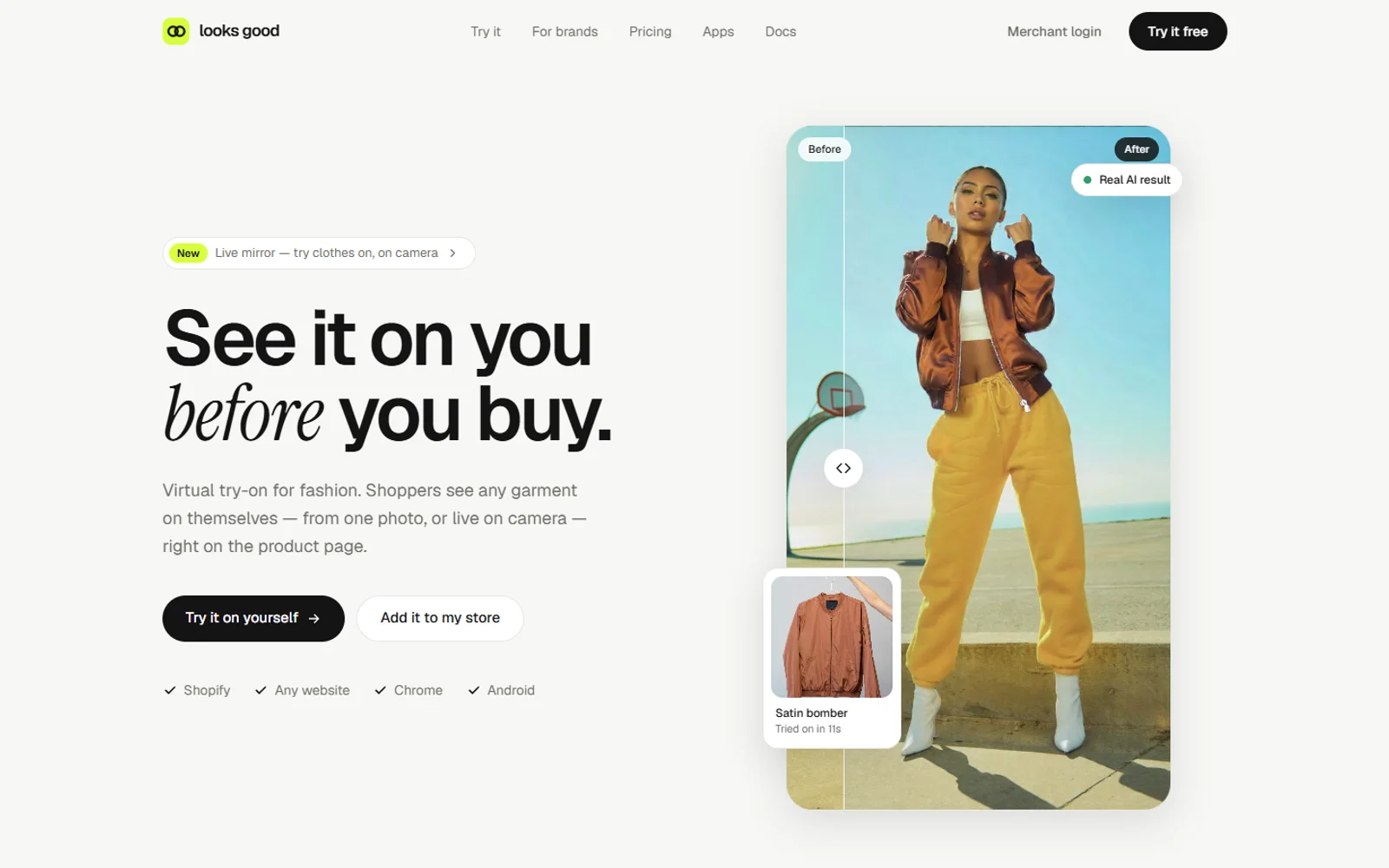
Looks Good is a virtual fitting room. Pick any outfit, add one photo and see it on you in about ten seconds, or go live and watch the clothes move with you on camera. On your phone, in your browser and right on the store page.
- ✓ Photo, video and live
- ✓ 25 free credits a month
- ✓ Android · Web · Chrome
How it works
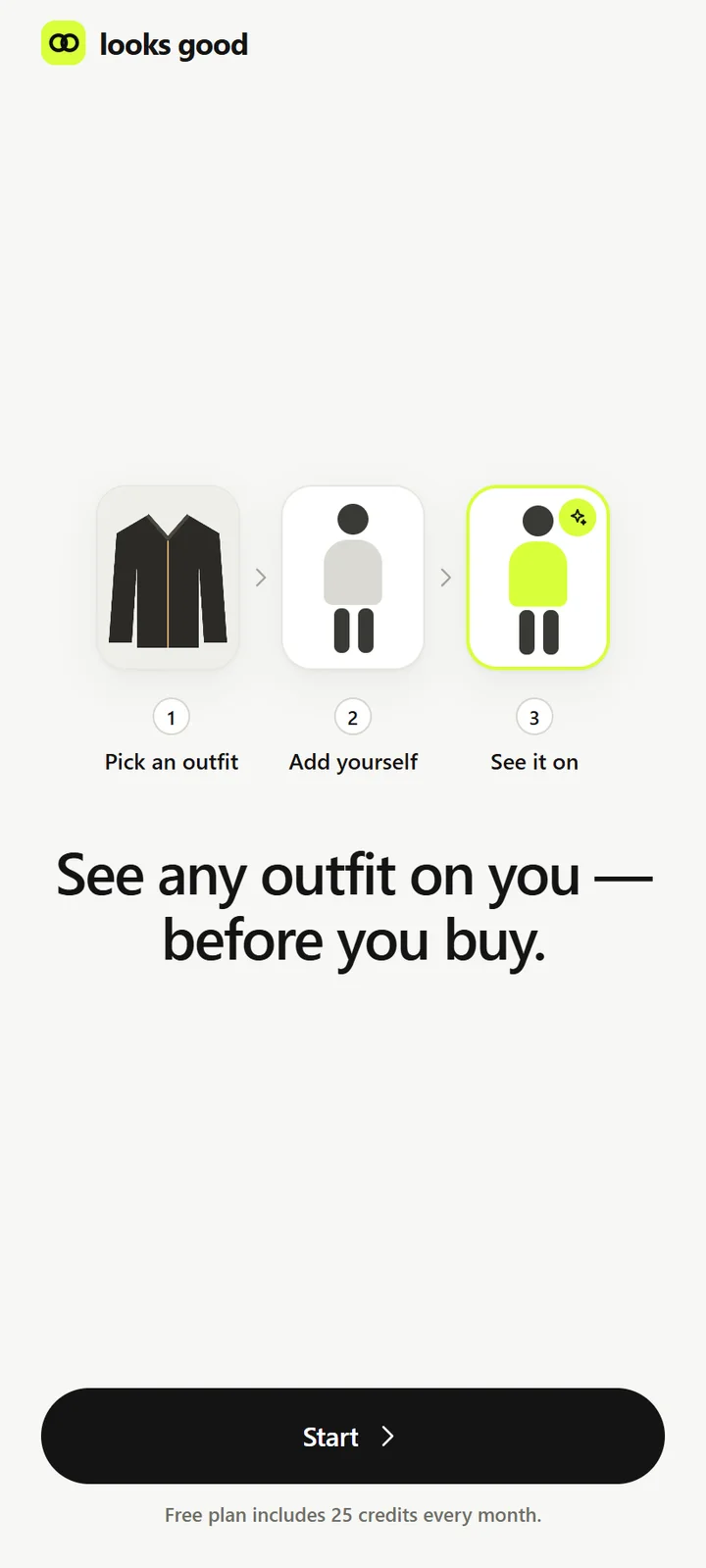
One outfit. One photo. Ten seconds.
- 01
Pick an outfit
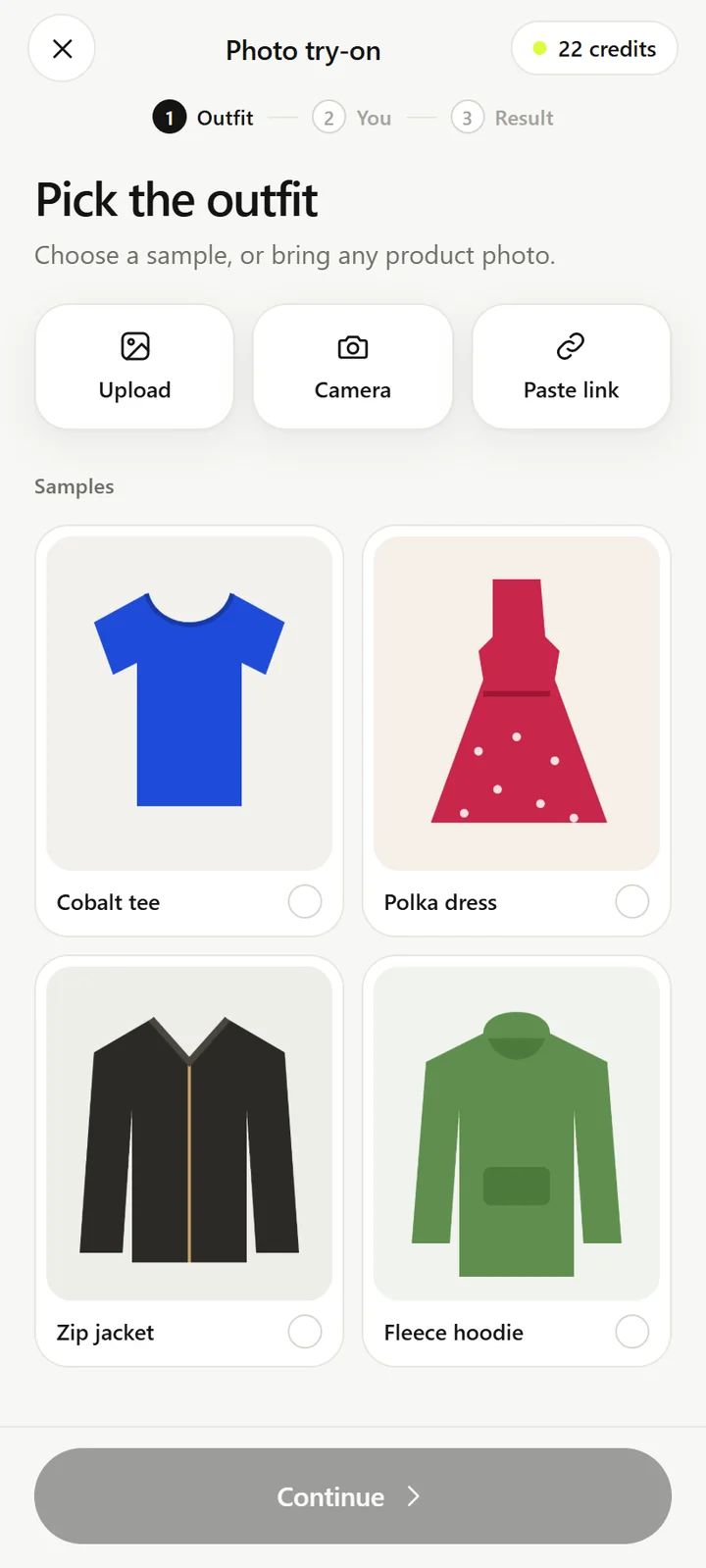
Choose a sample, upload a photo, take one with your camera or paste a link to any product page.
- 02
Add yourself
One clear, full-body photo is all it takes. Your last photo is remembered for the next try.
- 03
See it on you
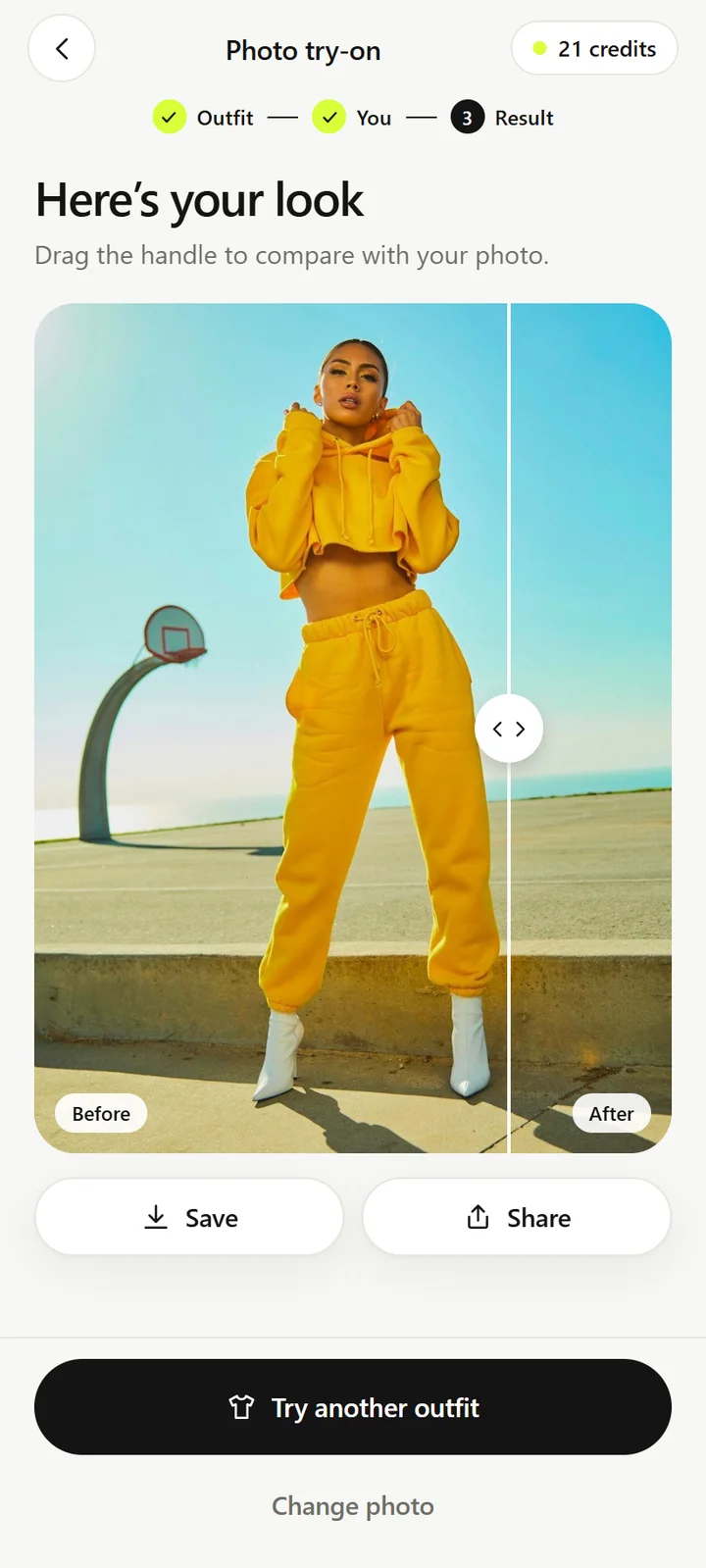
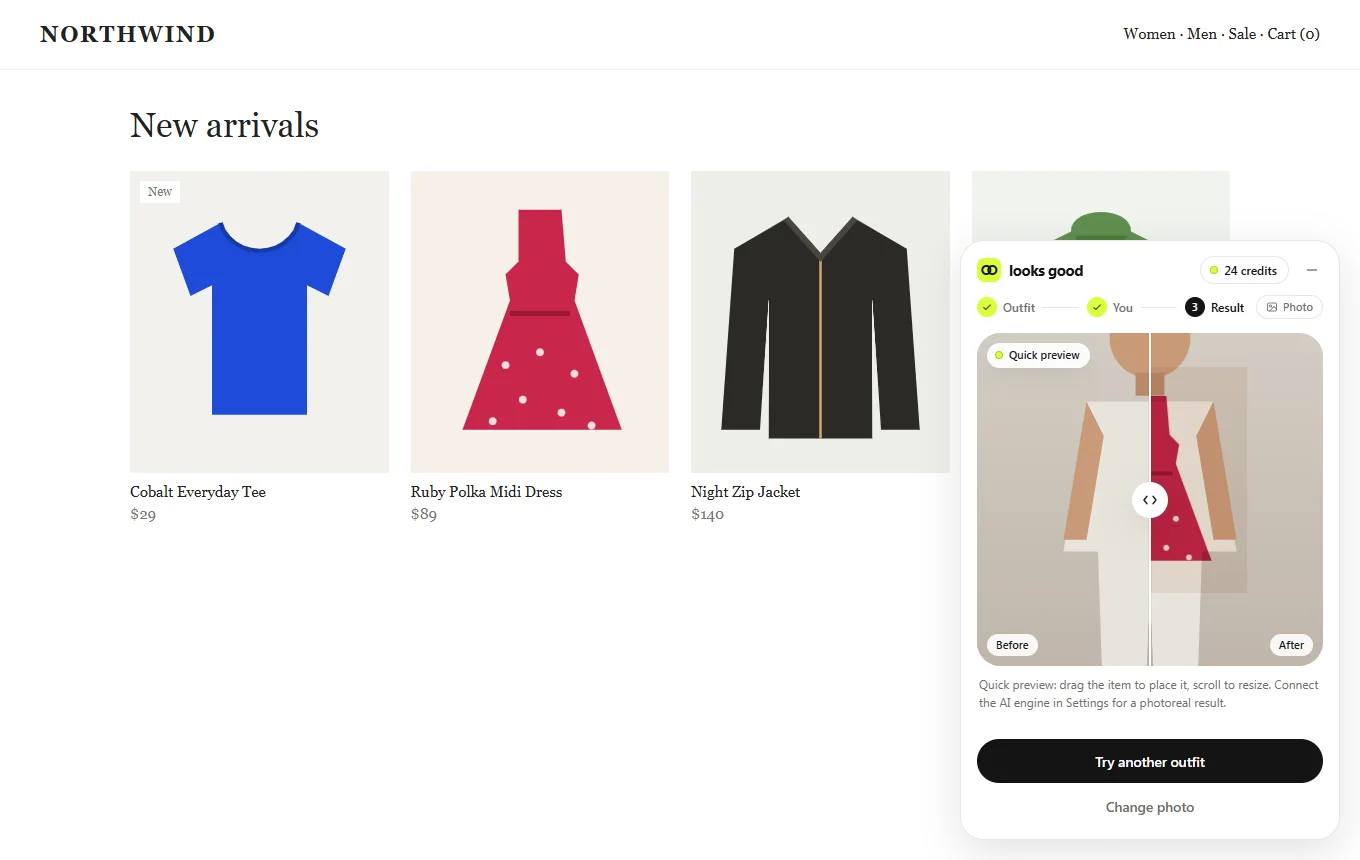
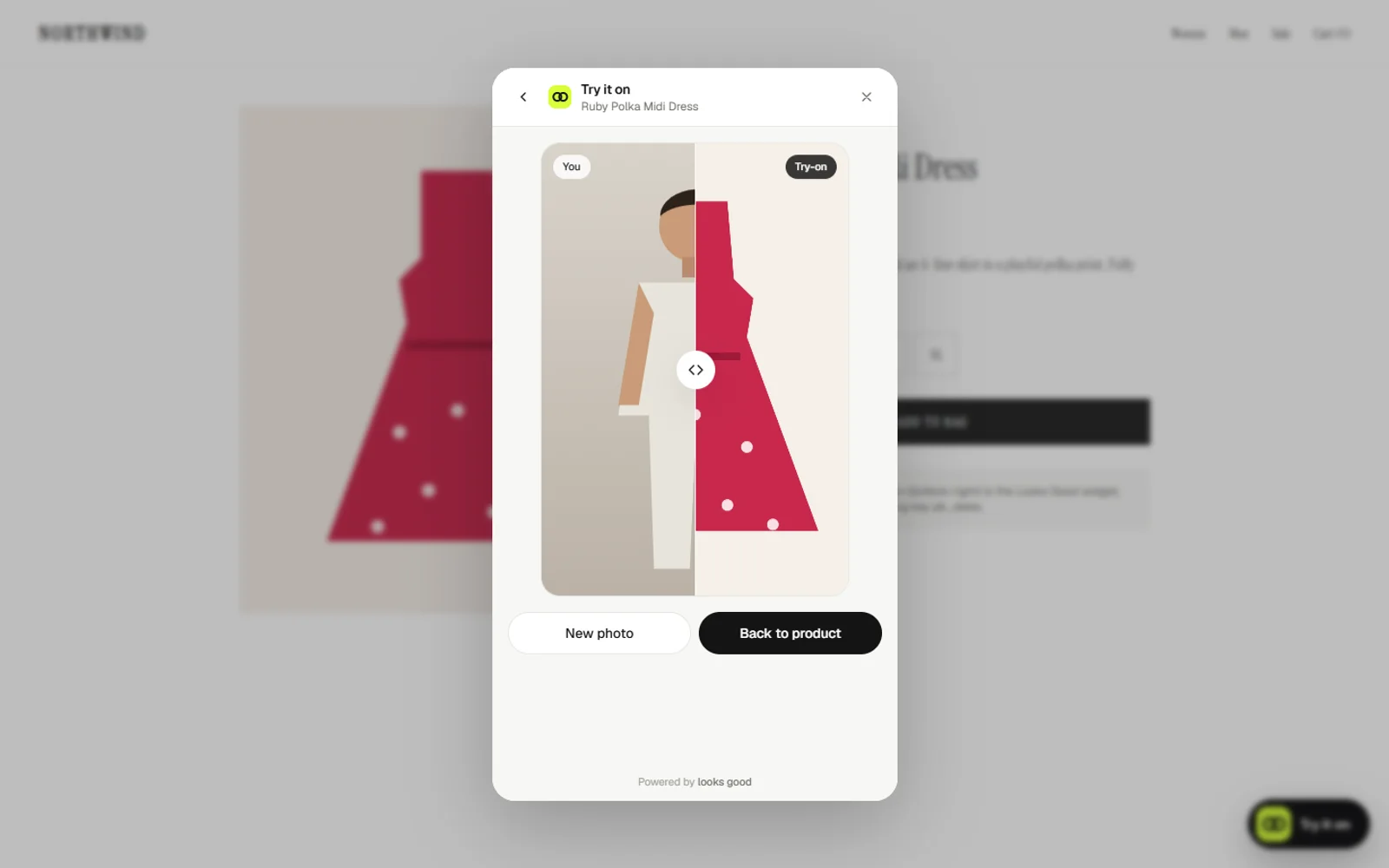
In about ten seconds. Drag the handle to compare before and after, then save, share or try the next piece.
The app
Looks Good on Android
01 Three steps, start to finish
02 Photo, video or live
03 Pick any outfit
04 Drag to compare
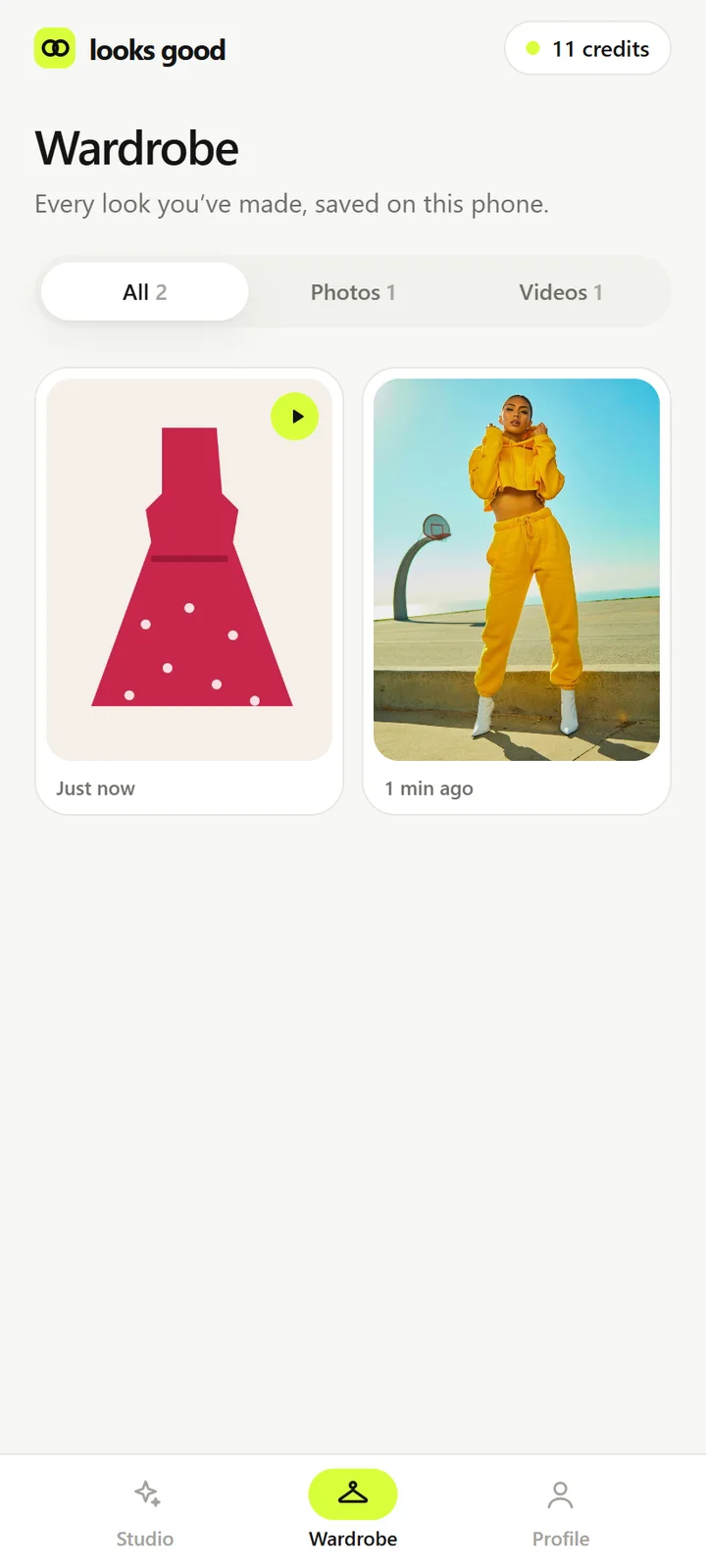
05 Your saved looks
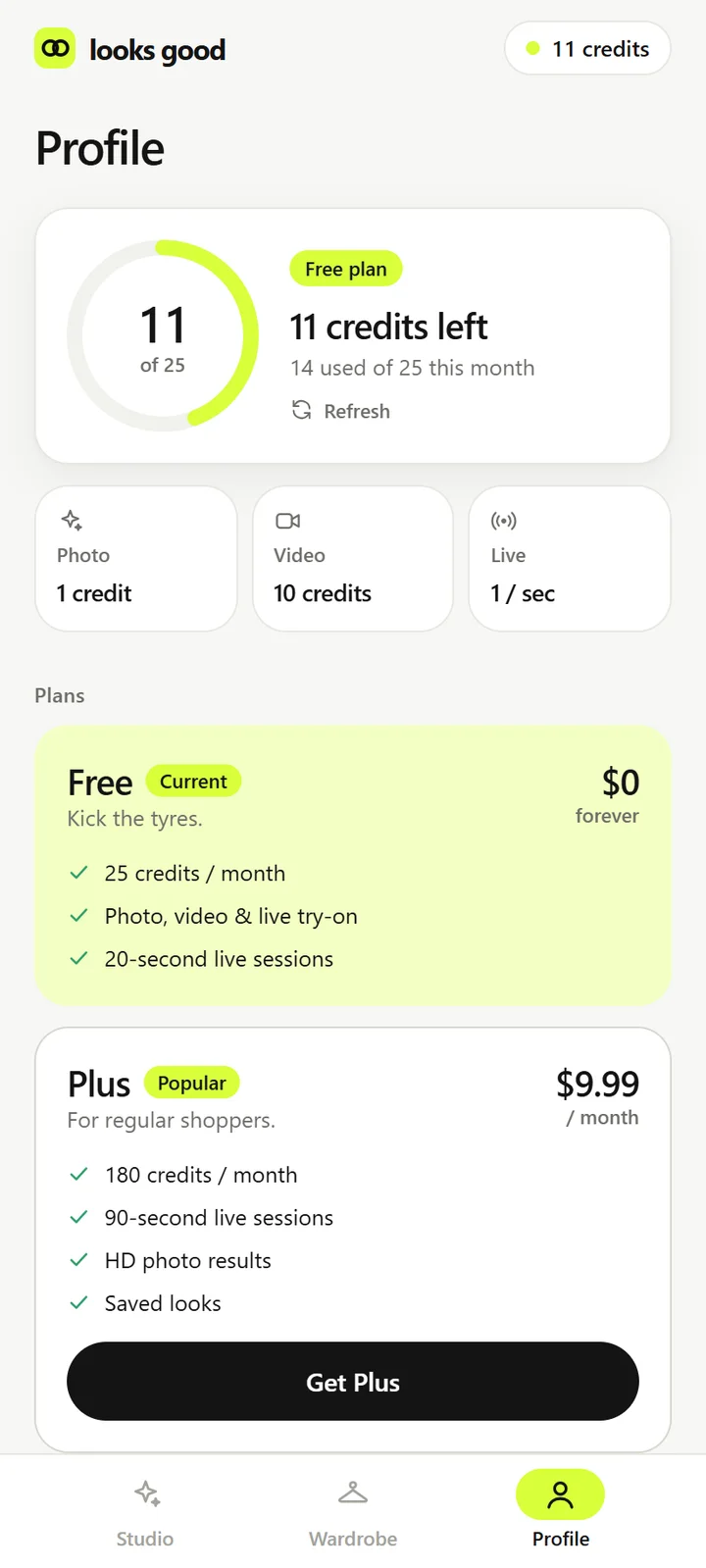
06 Credits at a glance
Features
A fitting room in your pocket
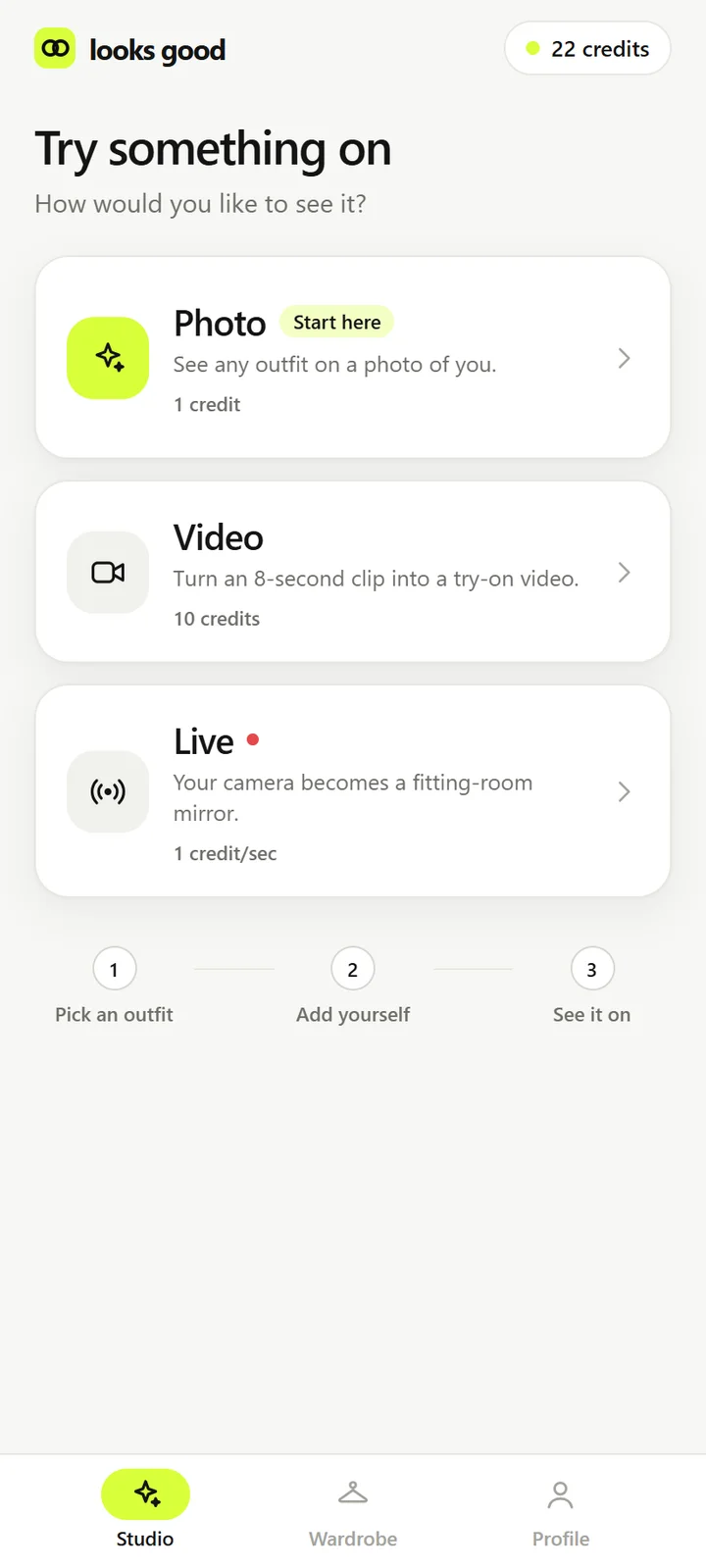
Photo try-on
Your photo, fitted with the outfit you picked. Drag a slider to compare it with the original.
Video try-on
Turn a short clip of you, up to 8 seconds, into a try-on video that moves the way you do.
Live mirror
Your camera becomes a fitting-room mirror. Turn, raise your arms and watch the clothes follow. Frames are never recorded.
Any store, any outfit
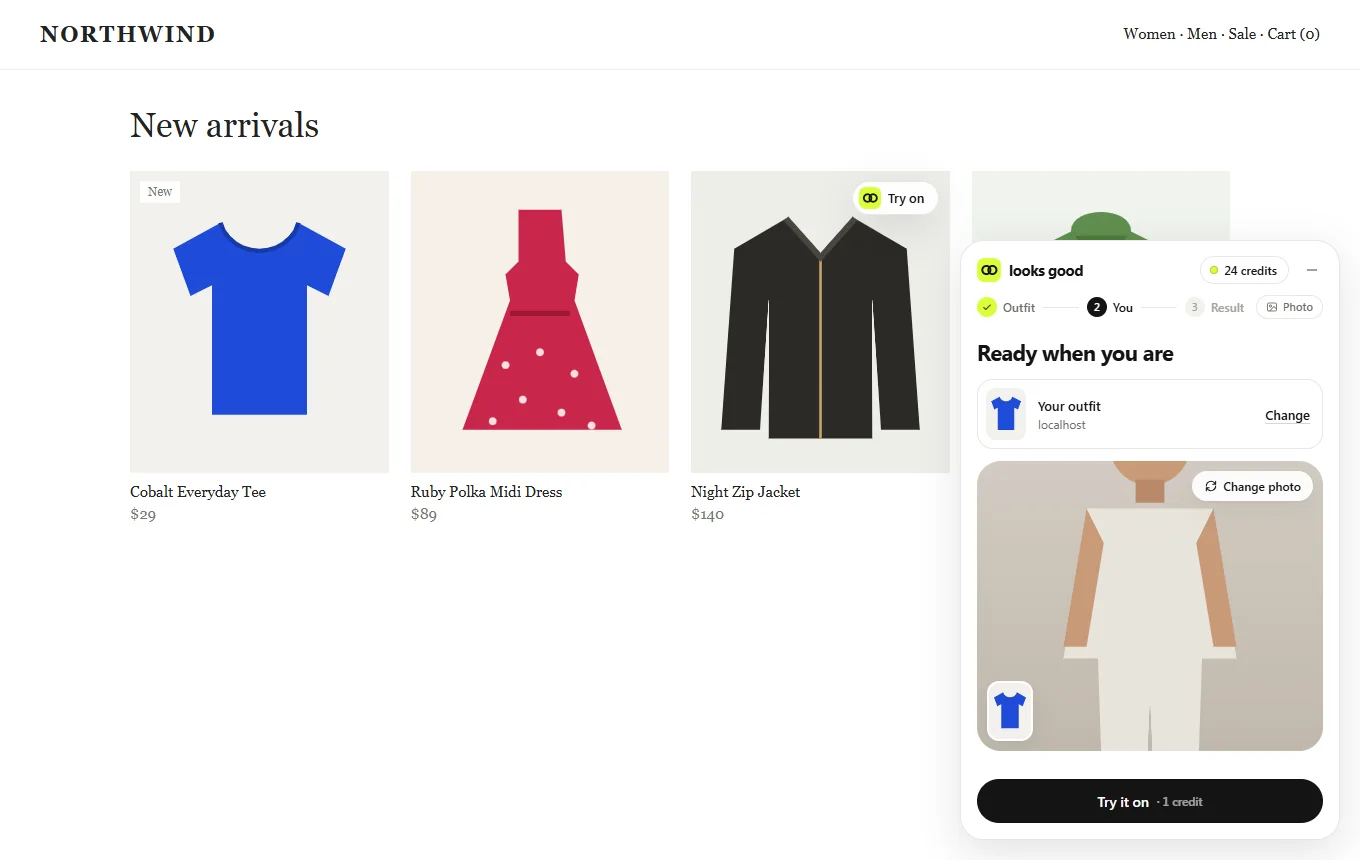
Paste a product link, or use the Chrome extension to try on clothes right on the store page.
Your wardrobe
Every look you make is saved on your phone, ready to open, compare and share later.
Simple credits
25 free credits every month. A photo costs 1 credit, a video 10, and live costs 1 per second.
On the web
In your browser and on the store page
Private by design
Your photos are only used for your look
Photos and clips go to the Looks Good server only to create the look you asked for. They are never used to train models, finished looks stay on your phone, and live frames are never recorded.
- Photos
- Used only to make your look
- Live mirror
- Never recorded
- Saved looks
- On your phone
- Ads and tracking
- None
- Account
- Optional, guest mode available
Questions
Where are my photos sent?+
To the Looks Good server, only to create your look. It uses an AI try-on model to fit the outfit to your photo. Finished looks are saved in the Wardrobe on your phone, and you can delete them at any time.
Is the live mirror recorded?+
No. Live frames are processed to show the outfit on you in real time and then discarded. Nothing is recorded.
How much does it cost?+
Every account gets 25 free credits each month. Plus and Pro plans, and one-off credit top-ups, will be available through Google Play.
Do I need an account?+
You can start as a guest. Sign in with Google or email to keep your credits and plan across devices.
Which stores does the extension work with?+
Most online clothing stores. It finds product images on the page and adds a Try it on button; you can also right-click any image or drag it onto the mirror.
Run an online store and want a Try it on button for your products? Get in touch.