
Loopcast · Windows app
Video messaging · by ThinkFlow
Say it once. Skip the meeting.
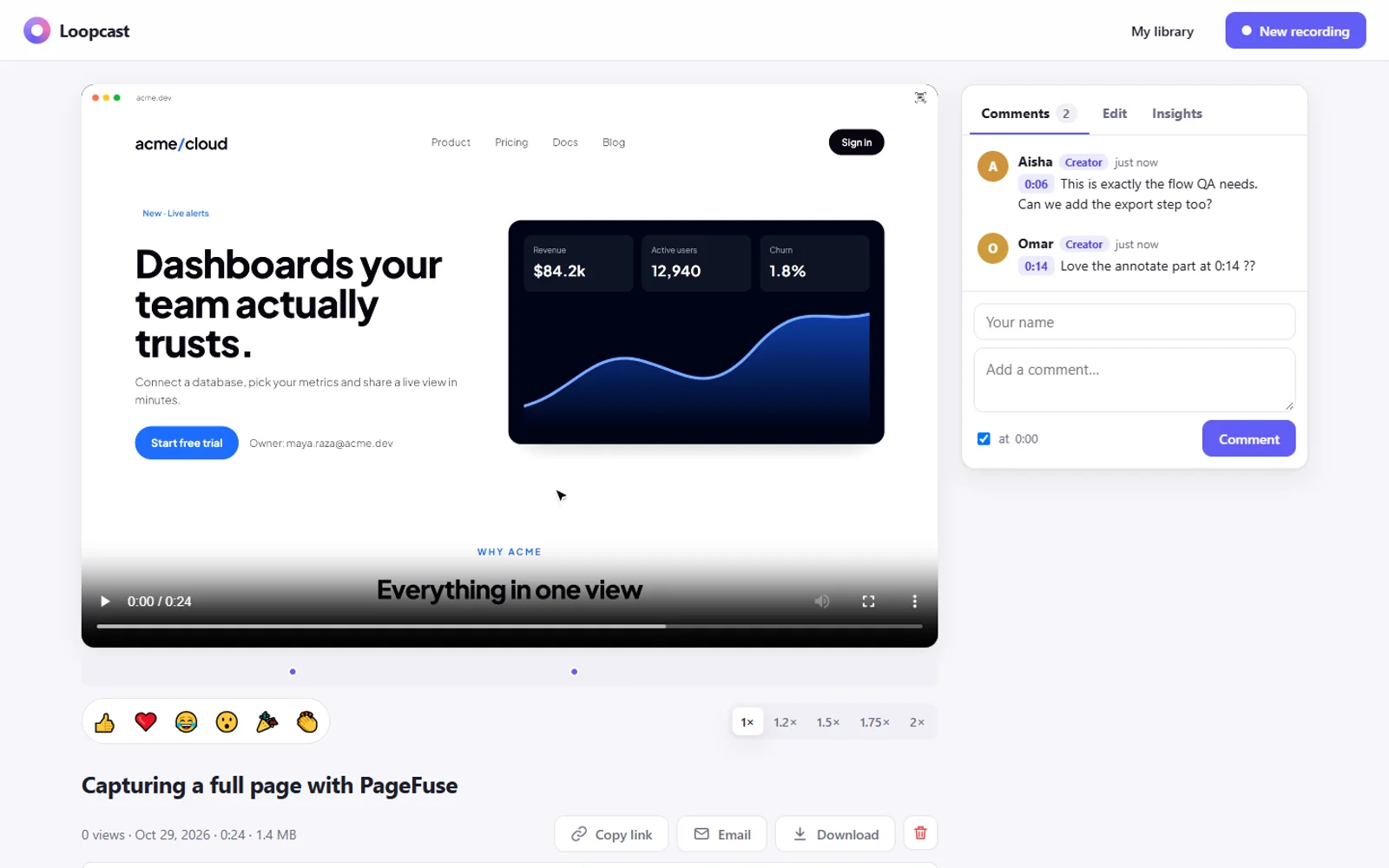
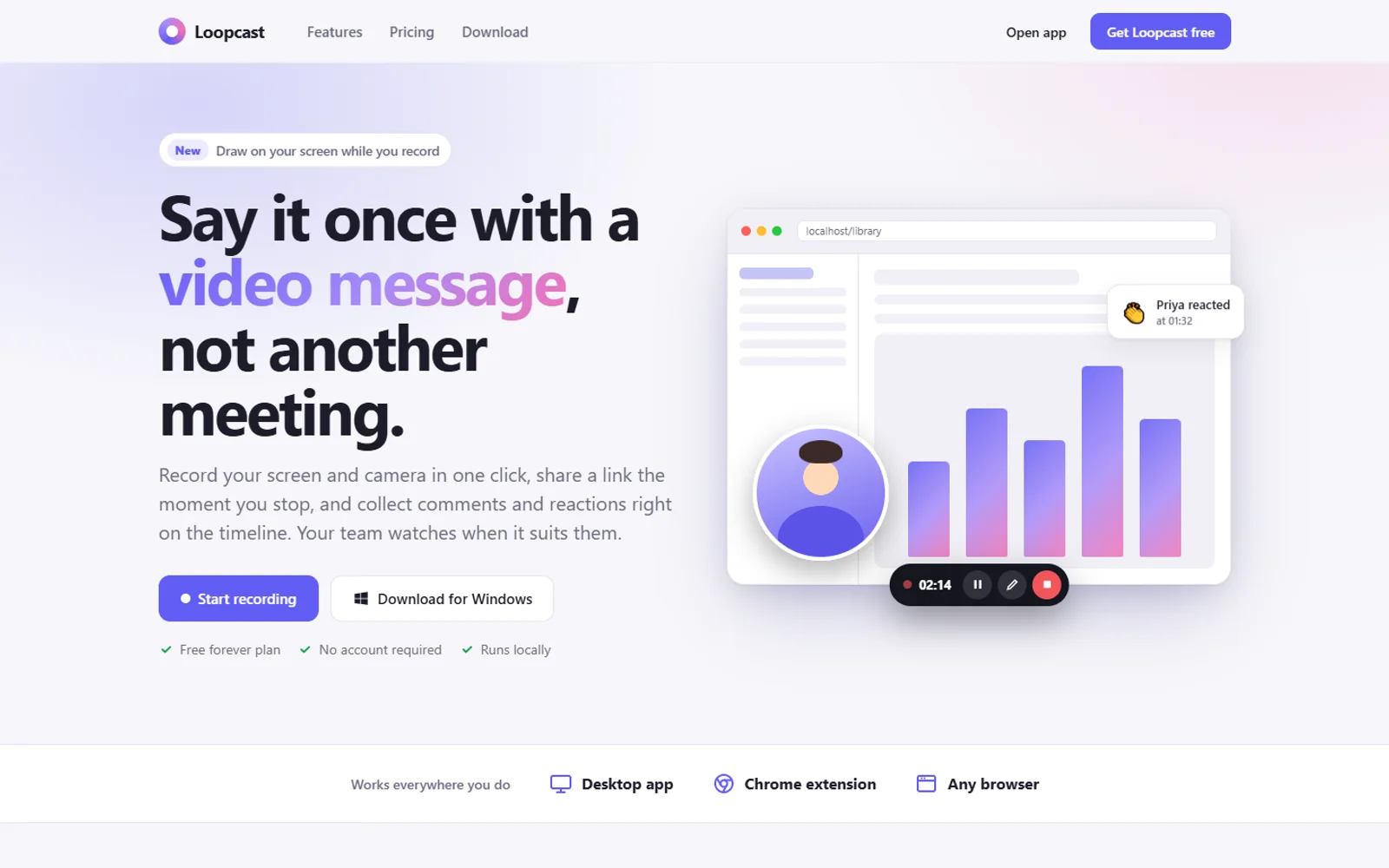
Loopcast records your screen and camera in one click and gives you a link to share. Your team watches when it suits them, and leaves comments and reactions right on the timeline.
- ✓ Screen + camera
- ✓ Comments on the timeline
- ✓ Runs on your PC
- ✓ Windows
How it works
Record, share, done.
- 01
Hit record
Screen and camera, screen only or camera only. Full screen or one window, up to 4K, with a countdown.
- 02
Say it once
Pause, restart, draw on screen or hide the camera while you talk. Ctrl+Shift+L starts and stops from anywhere.
- 03
Share the link
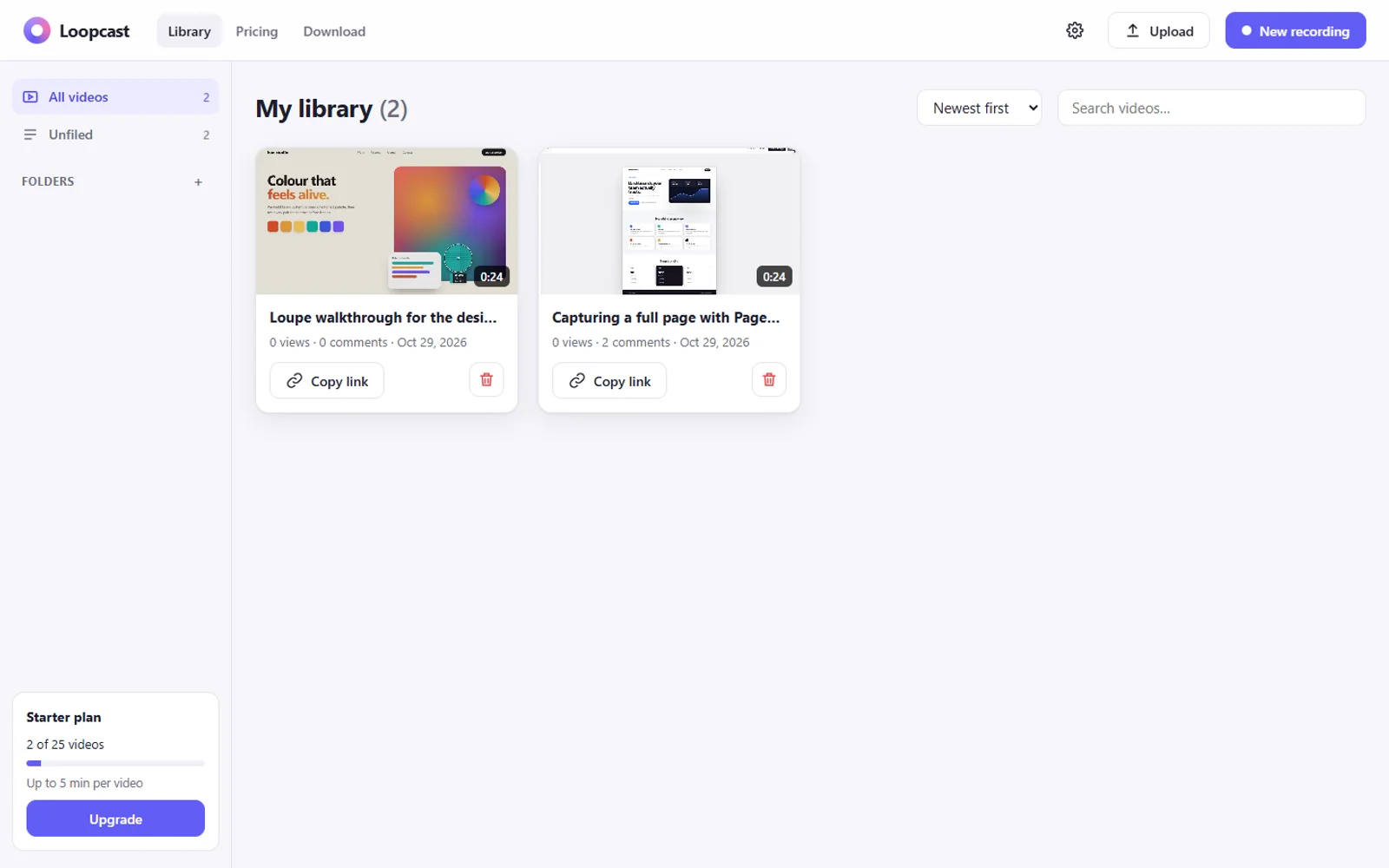
Your video lands in your library with a watch page. Copy the link, email it or embed it.
Features
Everything a video message needs
Live camera bubble
Drag it anywhere, scroll to resize, change its shape, zoom or mirror it while you record.
Draw while you talk
Circle the button you mean and throw confetti when it ships, right on the screen.
Comments and reactions
Viewers leave comments and emoji reactions pinned to the exact moment on the timeline.
Trim and chapters
Non-destructive trim, chapters, a thumbnail from any frame and a call-to-action button.
Control who sees it
Password-protect a video, and turn comments or downloads on and off per video.
Know who watched
Views, unique viewers and how far people got, for every video.
Screenshots
Loopcast, up close
Private by design
Your recordings stay on your PC
Loopcast stores your videos, comments and settings on your own computer and serves the watch pages itself. There's no account to create and no cloud upload.
- Recordings
- On your PC
- Account
- Not needed
- Cloud upload
- None
- Password-protected videos
- Yes
- Downloads
- On or off per video
Questions
Where are my recordings stored?+
On your own PC. Loopcast keeps your videos, comments and settings in its data folder and runs its own watch pages locally, so nothing goes to a cloud you don't control.
Who can watch my videos?+
Anyone you share the link with who can reach your PC, for example people on the same network. You can password-protect a video and turn off downloads.
Can it record computer audio?+
Yes, on Windows, along with your microphone.
Is there a browser version?+
Yes. A Chrome extension can start recordings, and the library and watch pages work in any browser.
Want to try an early build? Ask for early access.